One connected restaurant flow: menu, order, kitchen
HalaQR is useful when each role sees the same order at the right moment. This page explains the path a table takes during a typical service.
1. The guest scans the table code
Each table has its own QR code. The guest camera opens the branded menu for that table. If the venue is closed or the table is unavailable, the guest sees a clear message instead of a broken page.
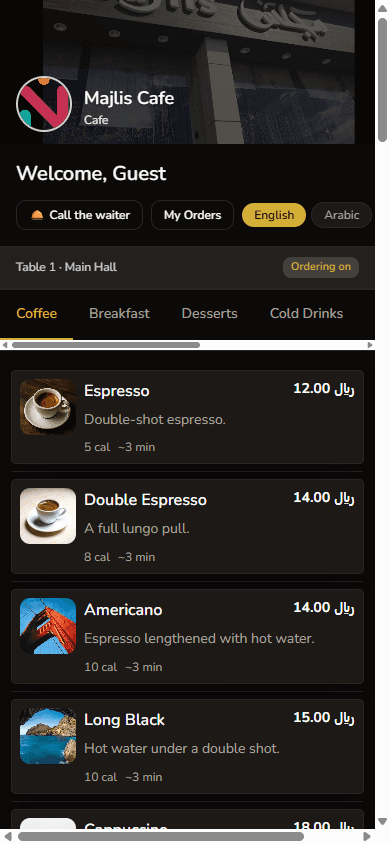
2. They read the menu and, when enabled, send an order
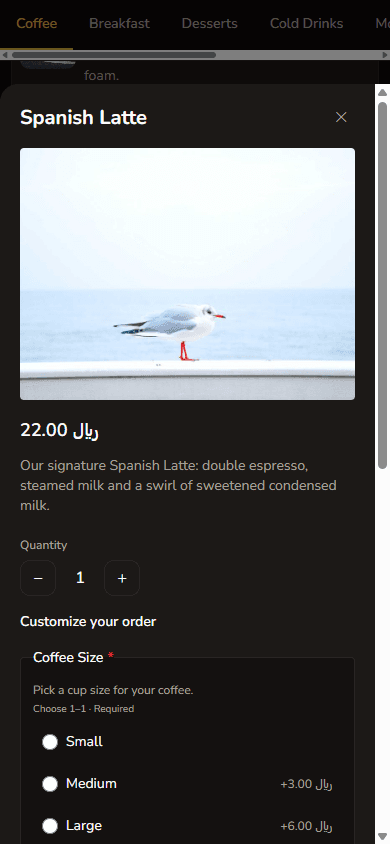
Guests browse categories, open item details, and choose modifiers. On plans that include ordering, they submit from the phone. The restaurant receives a structured order rather than a screenshot or a shouted ticket.
3. The kitchen prepares by station
Kitchen and station boards show incoming work. Staff mark progress so the floor team can see when food is ready. Waiters can work from their own board when the venue uses that role.
4. Owners watch the service, not a separate tool for each step
Menu edits, table codes, staff, and live orders live in the same workspace. That is the practical difference from a PDF menu on one device and a paper wheel in the kitchen.