
HalaQR · 2026-08-01 · Updated 2026-08-18
How QR table ordering works
QR table ordering means the guest does not only read the menu — they submit a ticket from the phone. The restaurant receives items, modifiers, and the table identity in one object.
The hard part is not the scan. It is making sure the kitchen can cook from that ticket and the floor can see when it is ready.
From scan to a ticket the pass can read
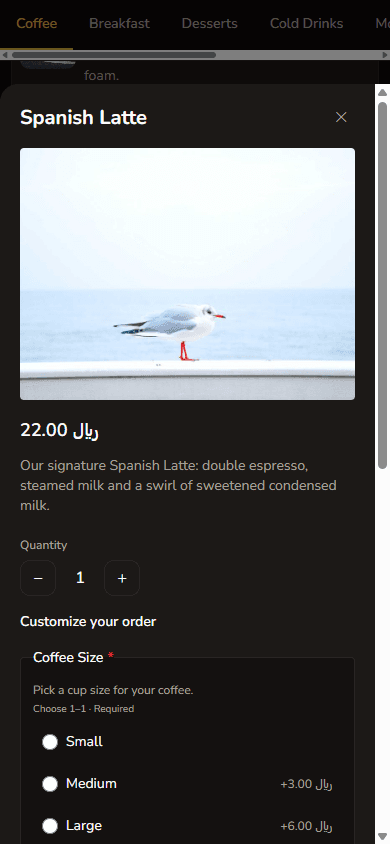
The guest opens the table menu, chooses dishes and modifiers, and submits. HalaQR stores that as an order for the venue, not as a free-text chat. Kitchen and waiter views then share status.
Who does what during service
Guests send. Cooks prep and mark progress. Waiters run the floor and can work from a waiter board. Owners watch the workspace. If any role skips updating status, the system cannot invent speed for you.
Common mistakes
Using one QR for the whole room, taking orders on WhatsApp in parallel, or turning on ordering before the catalogue modifiers match how the kitchen actually plates. Start with an accurate menu; then enable ordering.
FAQ
Does every HalaQR plan include ordering?
No. The free plan is designed for a published digital menu and QR codes. Guest ordering is on paid plans that include it. See the live pricing page.
Can guests pay in HalaQR?
Guest checkout in the menu is not a current product feature. Restaurant workspace subscriptions are billed separately in SAR.